Overview
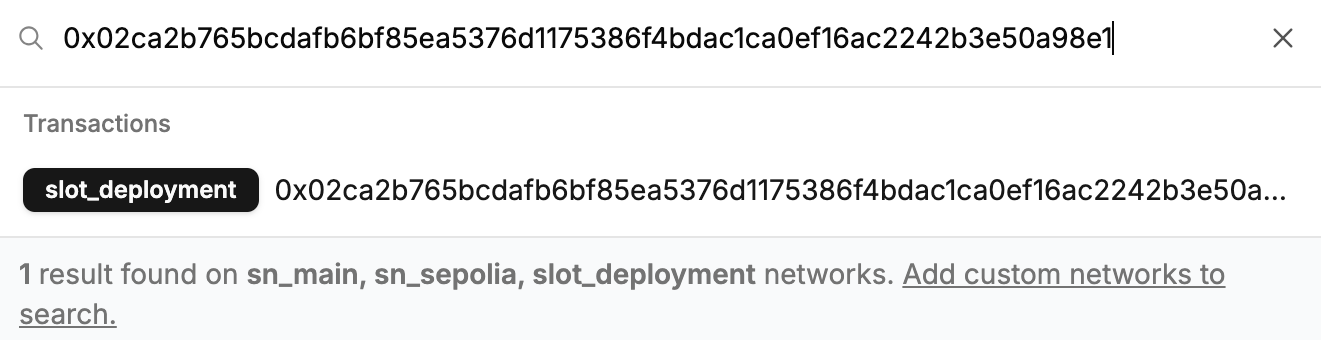
Custom Networks let you use Starkloupe for debugging and simulations on any RPC, including custom appchains like Slot deployments.
Setup
Add a custom network, then search and debug its transactions from Starkloupe.
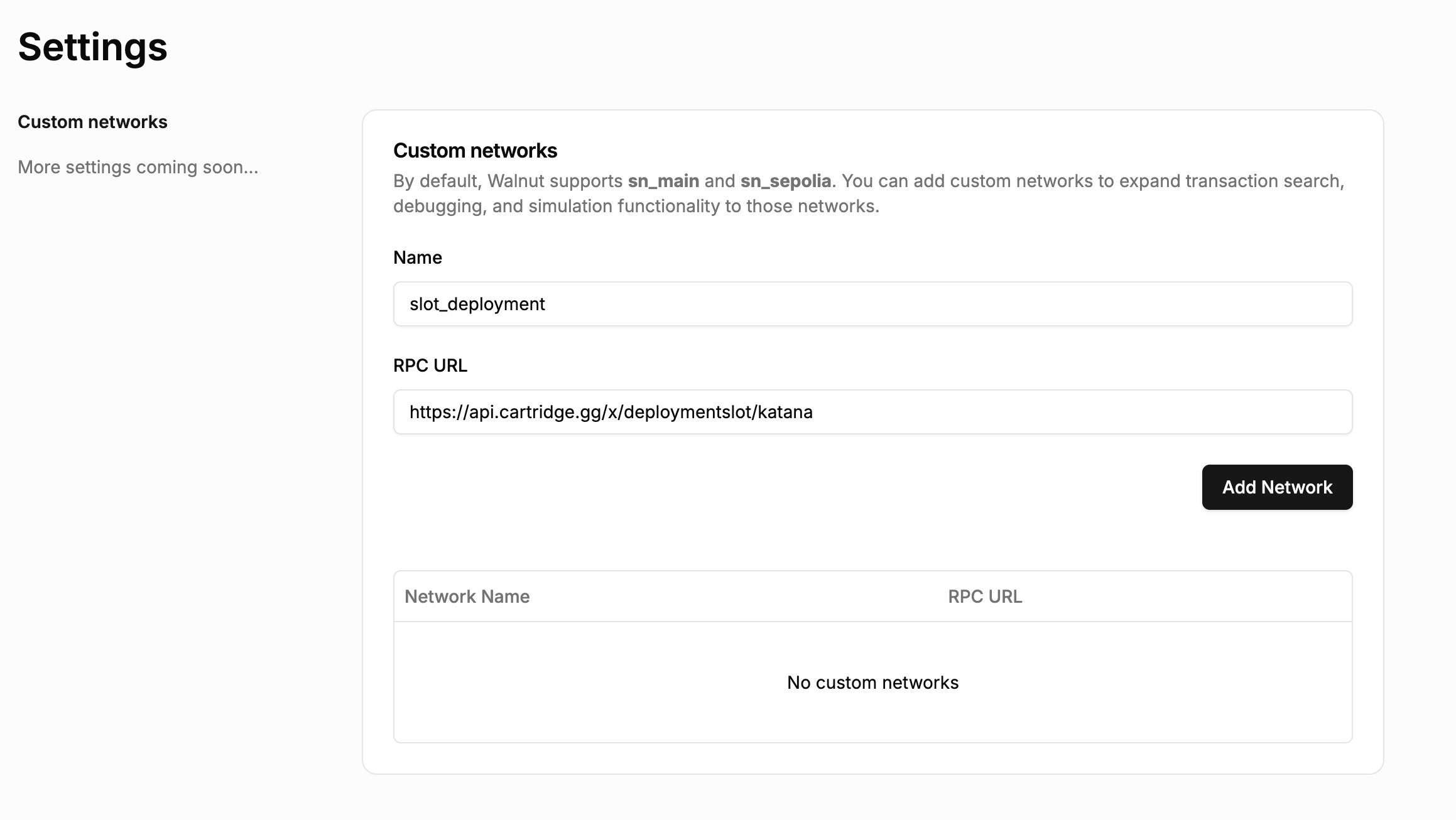
- Go to Starkloupe, click on your account profile (top right) and select "Settings". On the Settings page select "Custom networks" in the left navigation pane. Type your network name and the RPC URL.
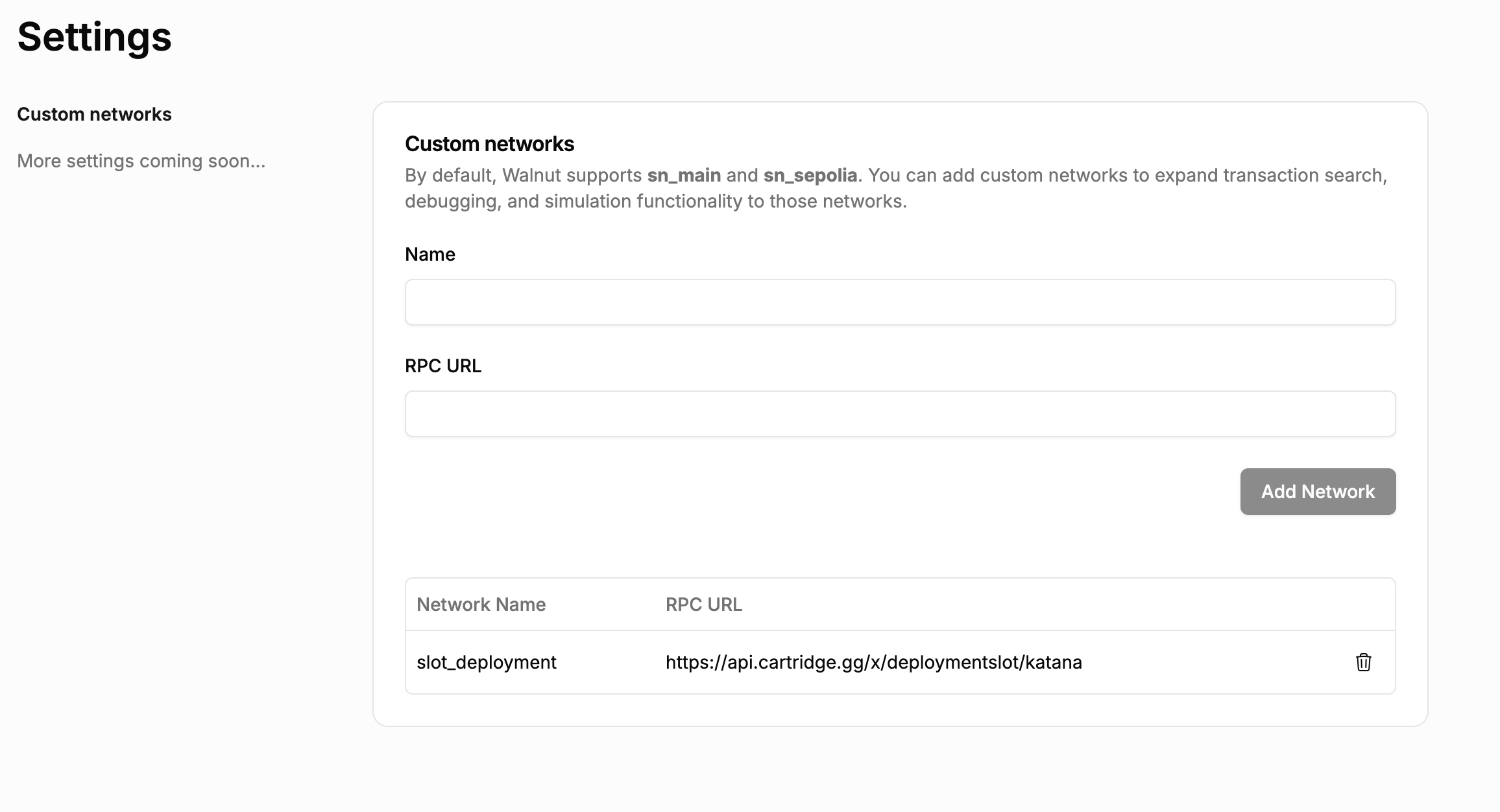
- Click "Add Network" to save your changes.
Search for Transactions on a Custom RPC
Use the Starkloupe Search bar to find and debug transactions on your custom network.